INSPECTION PROCEDURE FOR EACH MULTI-INFORMATION DISPLAY SCREEN <TFT COLOUR LCD TYPE>
N514280120001C00ENG
CAUTION:
When there are TV towers, substations, or broadcasting stations which emit strong radio waves in proximity, on rare occasions, a warning is displayed on the multi-information display screen for a few seconds. This is caused by the reception of strong radio waves, and there is no functional problem.
WARNING SCREEN
When malfunctions occur to the vehicle, the following warning screens are displayed. If these screens are not displayed normally or if they continue to be displayed even after the factor is eliminated, take measures according to the action procedure.
ENGINE
Display content | Factor | Action procedure |
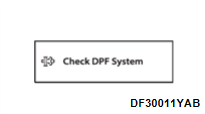 | An excessive amount of particulate matter (PM) accumulates inside the diesel particulate filter (DPF). | If the warning screen is not displayed normally or if the screen continues to be displayed, perform the troubleshooting for the engine-ECU (refer to ENGINE - DIESEL FUEL - TROUBLESHOOTING DIAGNOSIS CODE CHART. |
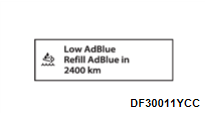 | The AdBlue® is running low. The AdBlue®: registered trademark of the verbandder Automobilindustrie e.V. (VDA). | |
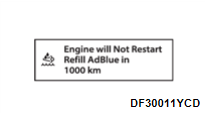 | There is almost no AdBlue® remaining. | |
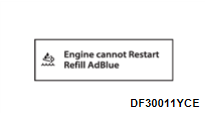 | There is no AdBlue® remaining. | |
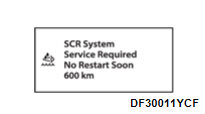 | There is a fault in the urea SCR system (AdBlue® -related system). | |
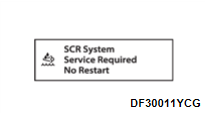 | There is a fault in the urea SCR system (AdBlue® -related system). | |
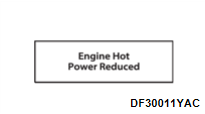 | The engine is overheated. | |
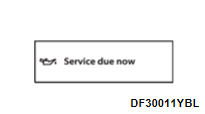
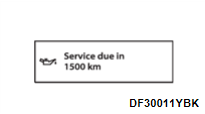 | The engine oil change period is approaching. | If the warning screen is not displayed normally or if the screen continues to be displayed, perform the troubleshooting for the combination meter. |
 |
|
FUEL
Display content | Factor | Action procedure |
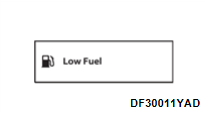 | The fuel is running low. | Refuel immediately. |
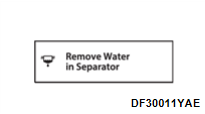 | More than specified limit water has accumulated in the fuel filter. | If the warning screen is not displayed normally or if the screen continues to be displayed, drain water from the fuel filter. |
ACC
Display content | Factor | Action procedure |
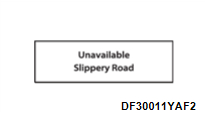 | When Adaptive Cruise Control System (ACC) becomes unavailable because the road is slippery. | If the warning screen is not displayed normally or if the screen continues to be displayed, perform the troubleshooting for the Driving support control unit. |
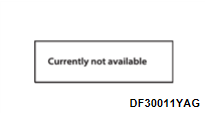 | When the Adaptive Cruise Control System (ACC) becomes unavailable because the Active Stability & Traction Control (ASTC) is turned off, or because GRAVEL/SNOW/MUD/SAND mode is selected for the Drive mode. |
A/T
Display content | Factor | Action procedure |
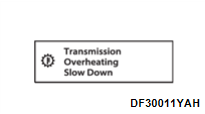 | The A/T fluid temperature is too high. | If the warning screen is not displayed normally or if the screen continues to be displayed, perform the troubleshooting for the A/T-ECU. |
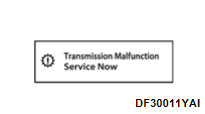 | There is a fault in the A/T. |
TPMS
Display content | Factor | Action procedure |
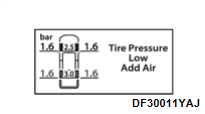 | This warning appears when the low tyre pressure warning lamp in the meter illuminates and low tyre pressure is detected. The warning appears each time the operation mode is put in ON as long as the low tyre pressure warning lamp remains illuminated. | If the warning screen is not displayed normally or if the screen continues to be displayed, perform the troubleshooting for the ETACS-ECU. |
4WD
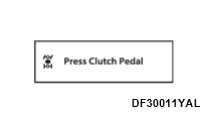 | The clutch pedal is not depressed during shifting process between “4H” ↔“4L”. <Easy Select 4WD> | If the warning screen is not displayed normally or if the screen continues to be displayed, perform the troubleshooting for the Transfer-ECU (<M/T> or<A/T>). |
The clutch pedal is not depressed during shifting process between “4HLc” ↔“4LLc”. <Super Select 4WD II> | ||
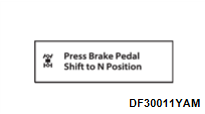 | The selector lever is not shifted to “N”(NEUTRAL) position during shifting process between “4H” ↔ “4L”. <Easy Select 4WD> | |
The selector lever is not shifted to “N”(NEUTRAL) position during shifting process between “4HLc” ↔ “4LLc”. <Super Select 4WD II> | ||
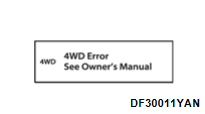 | There is a fault in the Easy Select 4WD or the Super Select 4WD-II. | |
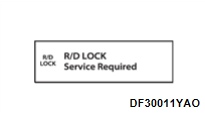 | There is a fault in the rear differential lock system. | If the warning screen is not displayed normally or if the screen continues to be displayed, perform the troubleshooting for the Transfer-ECU. |
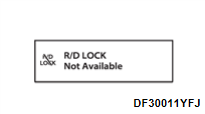 | You tried to turn on the rear differential lock switch while driving, with the 4WD selector in the “2H” position <Easy Select 4WD>, or with the 4WD-selector in the “2H” or “4H” position <Super Select 4WD II>. |
ANTI-SKID BRAKING SYSTEM (ABS)/ASTC
Display content | Factor | Action procedure |
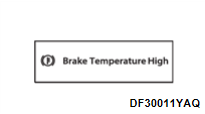 | The braking system temperature is too high. | If the warning screen is not displayed normally or if the screen continues to be displayed, perform the troubleshooting for the ASTC-ECU. |
DRIVER ASSISTANCE SYSTEM
Display content | Factor | Action procedure |
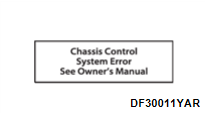 | This warning appears if the chassis control module detects an error in the chassis control system. | If the warning screen is not displayed normally or if the screen continues to be displayed, perform the troubleshooting for the chassis control module. |
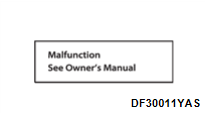 | When the following systems malfunction if the vehicle is equipped with them.
| If the warning screen is not displayed normally or if the screen continues to be displayed, perform the troubleshooting for the driving support control unit. |
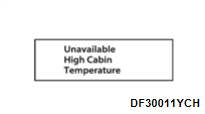 | When the interior temperature of the vehicle has reached such a high temperature that the sensor for the Lane Departure Warning (LDW) system can no longer function reliably. | If the warning screen is not displayed normally or if the screen continues to be displayed, perform the troubleshooting for the driving support camera. |
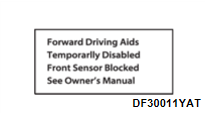 | If the sensor area of the front bumper is covered with dirt or obstructed, making it impossible to detect a vehicle ahead, Forward Collision Mitigation System (FCM), Adaptive Cruise Control System (ACC) is automatically turned off. The warning message will appear in the multi-information display. | If the warning screen is not displayed normally or if the screen continues to be displayed, perform the troubleshooting for the clearance warning control unit. |
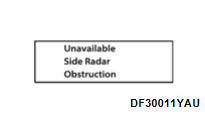 | When the Blind Spot Warning (BSW) or Rear Cross Traffic Alert (RCTA) system becomes unavailable because a radar blockage is detected. | If the warning screen is not displayed normally or if the screen continues to be displayed, perform the troubleshooting for the BSW-ECU LH, RH. |
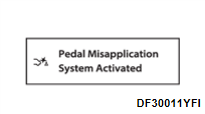 | The Emergency Assist for Pedal Misapplication (EAPM) is activated. | If the warning screen is not displayed normally or if the screen continues to be displayed, perform the troubleshooting for the driving support control unit. |
CORNER CENSOR SYSTEM
Display content | Factor | Action procedure |
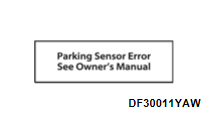 | When there is a malfunction with the parking sensor system. | If the warning screen is not displayed normally or if the screen continues to be displayed, perform the troubleshooting for the clearance warning control unit. |
PARKING BRAKE
Display content | Factor | Action procedure |
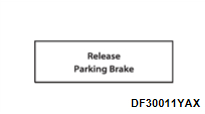 | This warning appears when the accelerator pedal is depressed while the parking brake is applied. | If the warning screen is not displayed normally or if the screen continues to be displayed, check the parking brake. |
KOS/ONE-TOUCH START SYSTEM (OSS)
Display content | Factor | Action procedure |
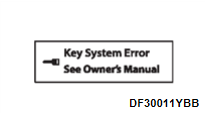
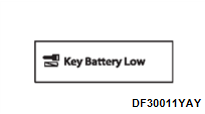 | There is a fault in the keyless operation system. | If the warning screen is not displayed normally or if the screen continues to be displayed, perform the troubleshooting for the KOS&OSS-ECU. |
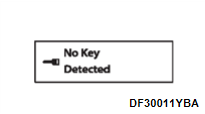 | ||
 | ||
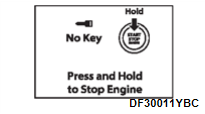 | When the keyless operation key battery is worn out, or when the keyless operation key is taken outside the vehicle while the engine is running. | |
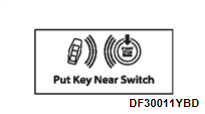 | When the keyless operation key battery is running out of power and when the keyless operation key and vehicle are not communicating normally. | |
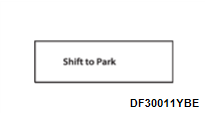 |
|
SHIPPING MODE
Display content | Factor | Action procedure |
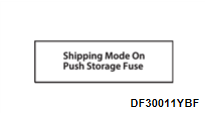 | This warning may appear if the extended storage fuse switch is not pushed in (switched on). | If the warning screen is not displayed normally or if the screen continues to be displayed, perform the troubleshooting for the ETACS-ECU. |
REMINDER BUZZER
Display content | Factor | Action procedure |
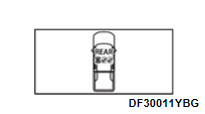 |
| If the warning screen is not displayed normally or if the screen continues to be displayed, perform the troubleshooting for the SRS-ECU, and engine-ECU. |
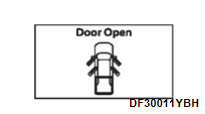 | "One of the doors is not completely closed.The open door is displayed." | If the warning screen is not displayed normally or if the screen continues to be displayed, perform the troubleshooting for the SRS-ECU, and ETACS-ECU. |
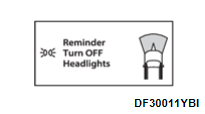 | You have forgotten to turn off the lamps. | If the warning screen is not displayed normally or if the screen continues to be displayed, perform the troubleshooting for the SRS-ECU, and ETACS-ECU or engine-ECU. |
HEADLAMP
Display content | Factor | Action procedure |
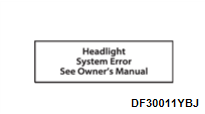 | There is a fault in the LED headlamps. | If the warning screen is not displayed normally or if the screen continues to be displayed, troubleshoot the headlamps or relay control unit. |
OTHER SCREENS
The screen displays the operation state of each system, periodic checkup timing, or timing for taking a rest during driving. If the screen display differs from the actual system operation state or if the screen is not displayed at the set timing, take measures according to the action procedure.
Display content | Factor | Action procedure |
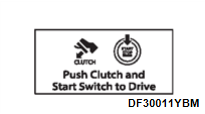 | When you sit in the seat with the keyless operation key under the following condition: • When the gearshift lever is in a position other than "N" (Neutral) (M/T) | If the warning screen is not displayed normally or if the screen continues to be displayed, perform the troubleshooting for the KOS&OSS-ECU. |
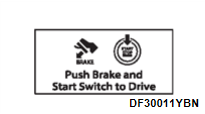 | When you sit in the seat with the keyless operation key under the following condition: • When the engine switch is pressed with the gearshift lever in the “N” (Neutral) position, and the brake pedal or clutch pedal is not depressed. <M/T> • When the selector lever is in the “P” (PARK) or the “N” (NEUTRAL) position, and the brake pedal is not depressed. <A/T> | |
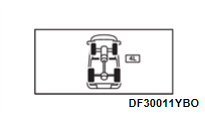 | When the drive mode is shifted by operating the drive mode-selector. | If the drive mode selector position and screen do not agree with each other, perform the troubleshooting for the chassis control module. |
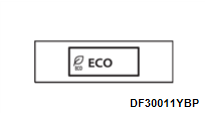 | When “ECO” mode of Drive mode is selected. | |
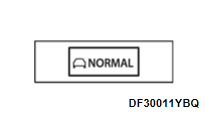 | When “NORMAL” mode of Drive mode is selected. | |
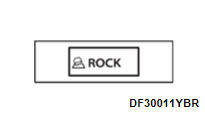 | When “ROCK” mode of Drive mode is selected. | |
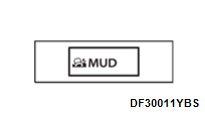 | When “MUD” mode of Drive mode is selected. | |
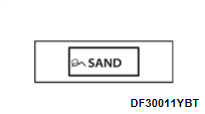 | When “SAND” mode of Drive mode is selected. | |
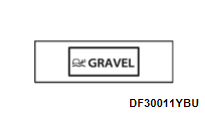 | When “GRAVEL” mode of Drive mode is selected. | |
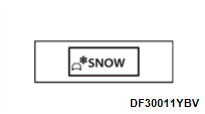 | When “SNOW” mode of Drive mode is selected. | |
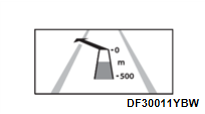 | When approaching the guidance location, etc. | If the drive mode selector position and screen do not agree with each other, perform the troubleshooting for the multivision display. |
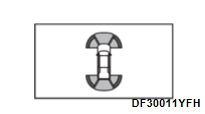 | When the parking sensors detect an obstruction. | If the warning screen is not displayed normally or if the screen continues to be displayed, perform the troubleshooting for the clearance warning control unit. |
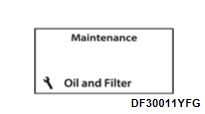 | This informs you that you have reached the set distance at which maintenance should be performed. | – |
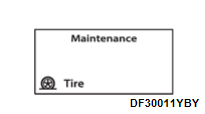 | ||
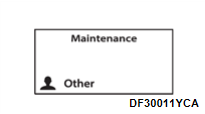 | ||
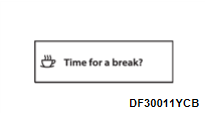 | This informs you that you have driven continuously until the set time. |