OPERATION
N114290090002100ENG
SWITCH NAME AND FUNCTION
)
Switch name | Description |
Steering switch |
|
SYSTEM DISPLAY
Display on information display | Switch name | Description |
 | FCM warning lamp |
|
 | FCM system indicator |
|
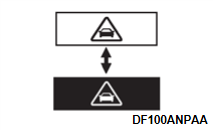 | FCM warning | Displays immediately before the brake operates |
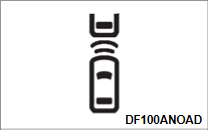 | Vehicle ahead indicator |
|
DISPLAY AND WARNING
System Display
Condition | Action | Display on information display | Warning lamp | Buzzer | |
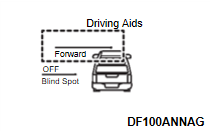
FCM OFF | — | 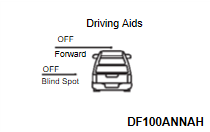 | ON | OFF | |
FCM ON | There is not a possibility of a collision with the vehicle ahead | — | Yellow (Blink) | OFF | OFF |
There is a possibility of a collision with the vehicle ahead | Operates brake (Partial) | Red (Blink) | OFF | Beep | |
FCM system indicator: Yellow (Blink) Speaker icon: White 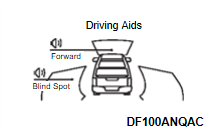 | |||||
FCM ON | An obstacle ahead is avoided due to the system applying braking | Operates brake (Emergency) | Red↔White | OFF | Continuous beeps |
FCM system indicator: Yellow (Blink) Speaker icon: White | |||||
FCM system malfunction | The FCM system is automatically canceled* | 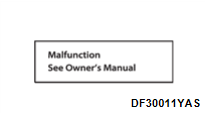 | ON | Beep | |
Dirt around the FCM-ECU (distance sensor) | The FCM system is automatically canceled* | 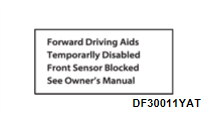 | Blink | Beep | |
Driving support camera high temperature | The FCM system is automatically canceled* | — | Blink | Beep | |
*: The system operates if the ignition switch is turned OFF → ON after the condition improves